

- -10%

















 EVIL BIKES
 MAGURA

























































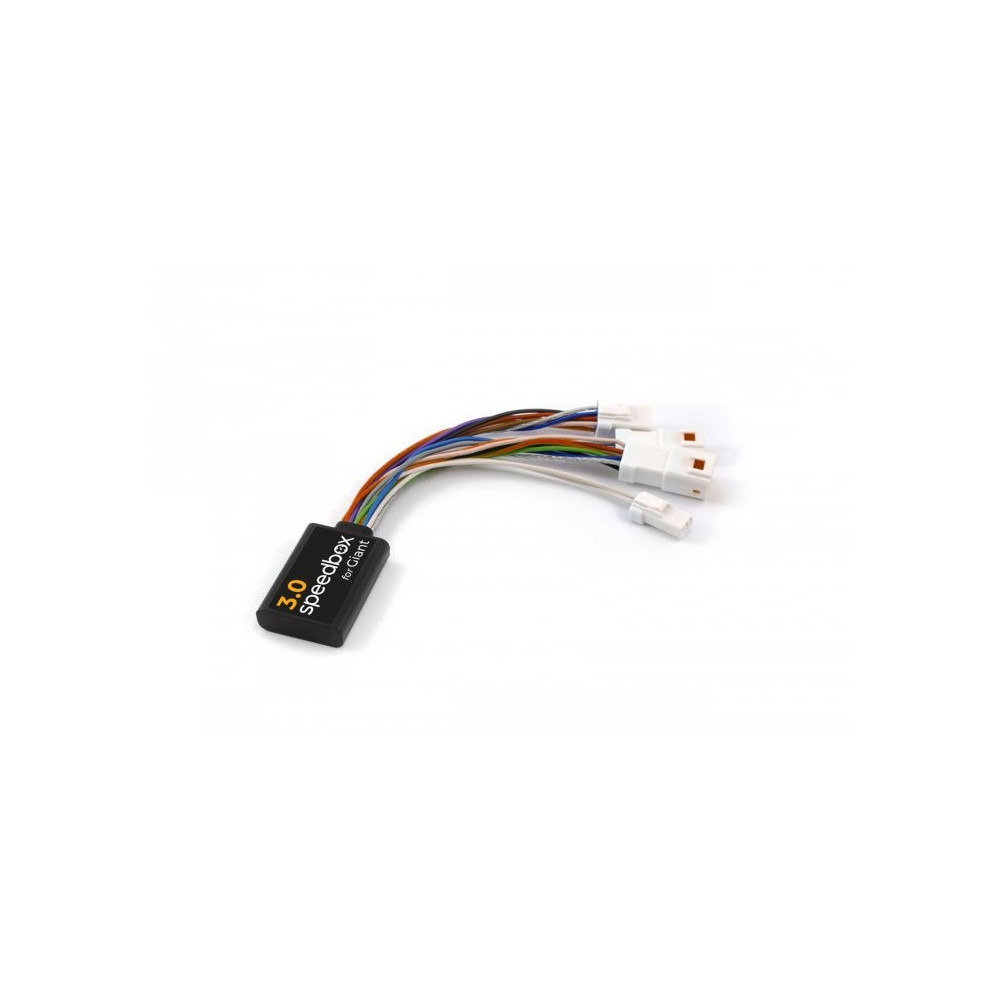
SpeedBox Control Unit / tuning module / chip for GIANT
- removes 25km/h software speed limit
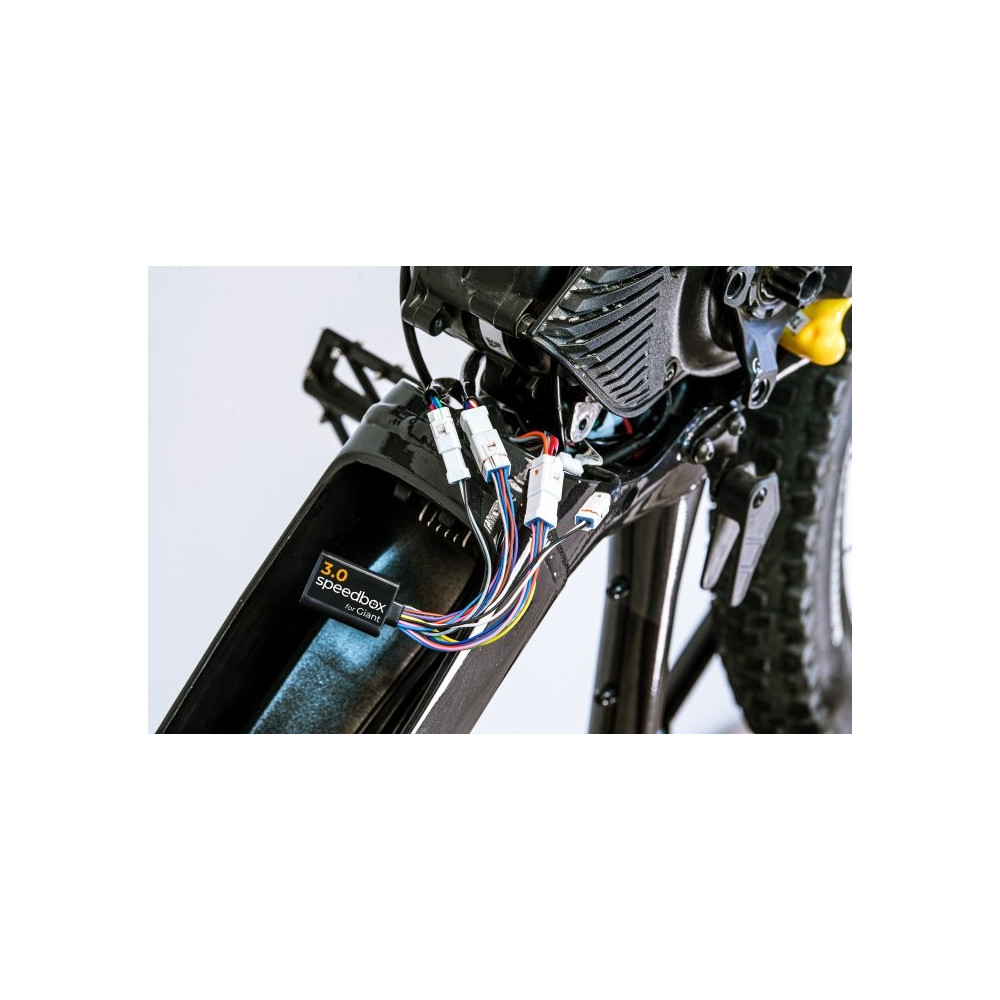
- installation directly in the engine compartment
Weight: 25g
Manufacturer: CZ
FEATURES:
Chip activation by button: WALK button/ + - + -
Maximum speed: no limit
Speed limit setting: yes
Display: real values
Compatible with:
Giant engines 2017-2022
Not compatible with:
RideControl Go
SpeedBox App
Giant Talon, Explore, Fathom (made in 2022)
A reliable third-generation tuning product for your e-bike with a Giant 2017-2022 engine (except for the SyncDrive Pro engine with RideControl Go)
SpeedBox 3.0 enables the deactivation of the e-bike speed limiter. After installing the tuning, real data such as maximum speed, average speed, daily distance traveled and range are displayed on the e-bike display.
You can activate the SpeedBox 3.0 tuning on the e-bike controller. After pressing the WALK button, the value 9.9 km/h (6.2 mph) will briefly appear on the display, and from that moment you can drive at an unlimited speed - 40 km/h, 50 km/h and more than 60 km/h.
You can turn off the tuning function by pressing the WALK button again. The display shows the value 2.5 km/h (1.6 mph) and the speed limit of 25 km/h is back on. The electric bike then works the same as before the installation of the tuning.
We also thought about e-bikes that do not have a classic control panel with a Walk button. In this case, just use the + - + - and button combination SpeedBox activates. You can easily deactivate SpeedBox in the same way.
You can adjust the maximum speed by gradually switching the modes three levels down and then three levels up. Then the display shows the current speed limit. You can switch the maximum speed of the assistance by briefly pressing the WALK button or by turning the wheel 360°. The display of 1.5 km/h on the display corresponds to the limit of 15 km/h, 2.0 corresponds to the limit of 20 km/h, 2.5 corresponds to 25 km/h, 3.0 corresponds to 30 km/h, 9.9 corresponds to 99 km/h, etc. The last displayed limit is saved after five seconds of inactivity.
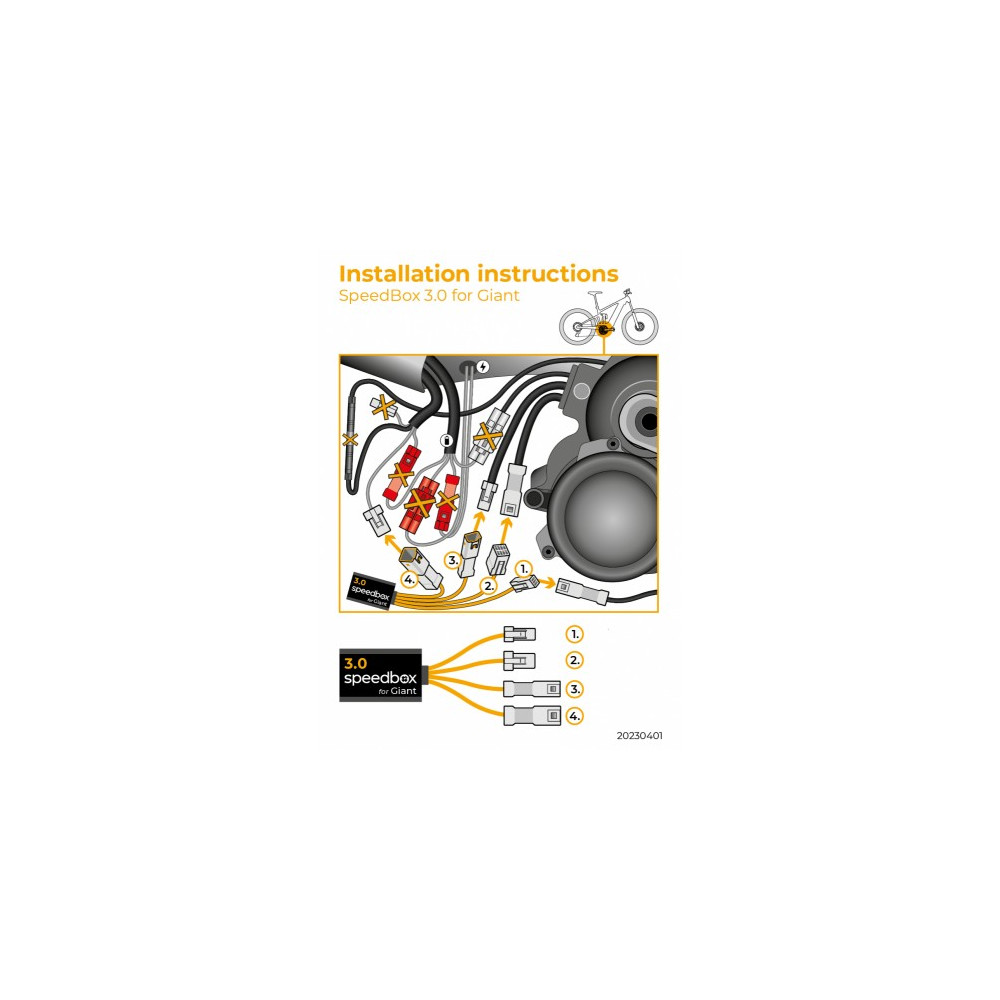
To connect the SpeedBox device to the e-bike, we use colored connectors equipped with a key for correct connection, therefore the installation of the device is really easy. We have written detailed instructions and filmed videos, thanks to which each customer can install the SpeedBox by himself. Dismantling the tuning is as easy as assembly. If you have any problem with connection, do not hesitate to contact us.
If you are going to install the SpeedBox on a completely new bike, you need to ride it for at least 1 km before starting the tuning for the first time
*AI generated translation*Ebike Electronic s.r.o.
Rybna 716/24
110 00 Praha 1
Czech Republic
j.voldan@speedbox-tuning.com